AI chart analysis: show the screenshot, reason about the setup
In Finance Link AI you can attach a chart screenshot and ask your question as you would ask an experienced colleague: what price is doing, where the levels are, what risk the idea you have in mind carries.
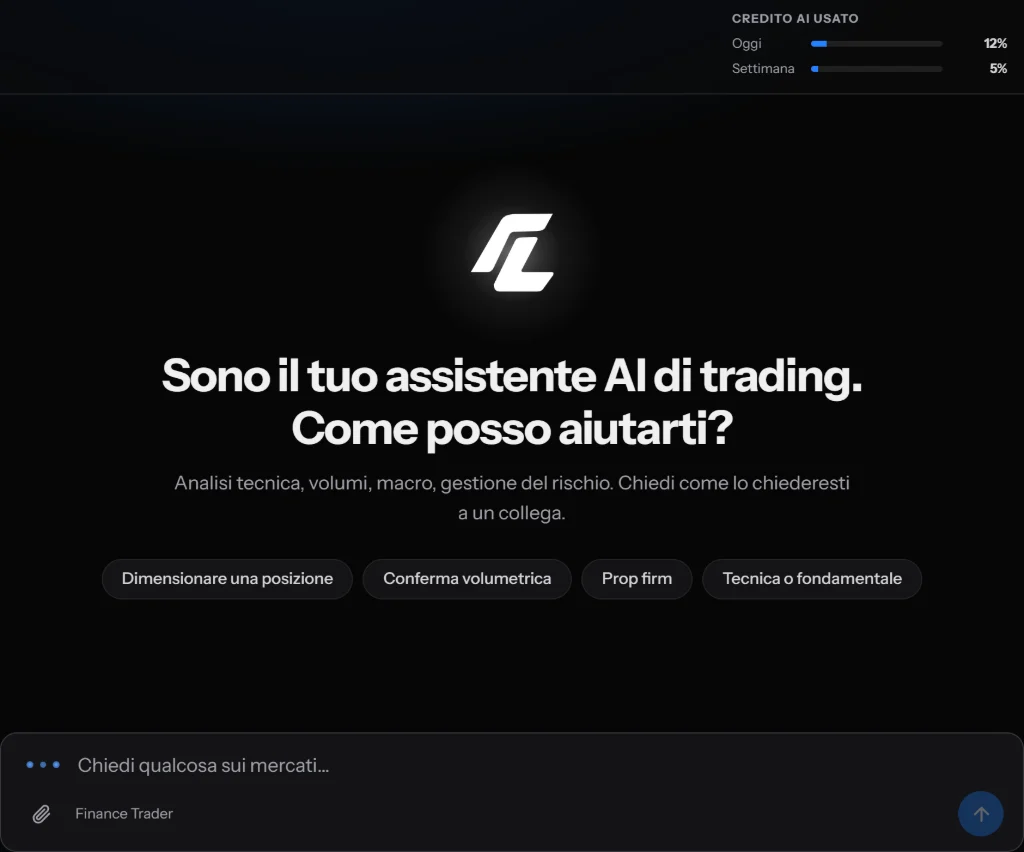
How it works
- Take a screenshot of the chart, from whatever platform you use: TradingView, MetaTrader or your broker's.
- Paste it into the chat with Ctrl+V, drag it onto the text field or upload it with the paperclip. PNG, JPEG, WEBP and GIF are accepted, up to three images per question.
- Write what you want to know. If you write nothing, the assistant analyses the image and tells you what it sees.
What it can read in a chart
Everything visible in the image: the direction and structure of price, highs and lows, the zones where price has reacted several times, candles and patterns, the indicators on your chart and the lines you have drawn. It can explain why a zone matters, where an idea would prove wrong and therefore where a stop would make sense, and what to check before deciding.
Several timeframes in one question
With three images you can show the same instrument on three timeframes, for example 4 hours, 1 hour and 15 minutes, and ask whether the setup you see on the smallest one goes the same way as the bigger picture. It is the check many people skip, and the one that most often separates a reasoned entry from an impulsive one.
What it does not do
It does not see the market in real time: it only reads the image you send, and it does not invent prices that are not there. It does not tell you to buy or sell now and does not forecast prices: it helps you reason, the decision stays yours. Like anyone looking at a screenshot, it can misread a small or blurry number.
How to take a screenshot that reads well
- Keep the instrument name and the timeframe visible.
- Keep the price axis in the image: without it, levels have no number.
- Do not zoom out too far: a hundred candles read better than a thousand.
- Remove the indicators you do not use: less noise, more precise answers.
From a question to a strategy
The same images also help when you write a strategy with AI: you attach examples of good setups and setups to avoid, and the assistant uses them to turn your idea into precise rules, which the platform then checks by itself.
Frequently asked questions
Which images can I upload?
Screenshots in PNG, JPEG, WEBP or GIF, up to three per question. Before sending, the browser resizes them to a size the assistant reads well, so you do not need to worry about file size.
Does the AI know the current price?
No. It reasons only about what is in the screenshot. For current data, use the platform pages that show it with its source.
Does it tell me whether to enter?
No. It helps you understand what you are looking at and what risks the idea carries, but it gives no buy or sell instructions and promises no results.
How many analyses can I do?
The assistant is included in the subscription, with a daily, weekly and monthly usage limit. In the chat you always see how much is left.
Pricing
One subscription with everything included: €39 for one month, €99 for three months, €179 for six months, €329 for twelve. You pay in USDT or USDC and it does not renew automatically.
The other tools
- Online trading course
- Gold trading signals
- TradingView indicator for gold
- Trading with AI
- AI trading journal
- Trading backtesting
- Prop firm tracker
- Forex lot size calculator
- Forex sentiment
- AI trading strategy
Risk warning
Trading involves the risk of losing your capital. Finance Link's content is for information and education, not financial advice: Finance Link is not an authorised broker. Past results do not guarantee future results.